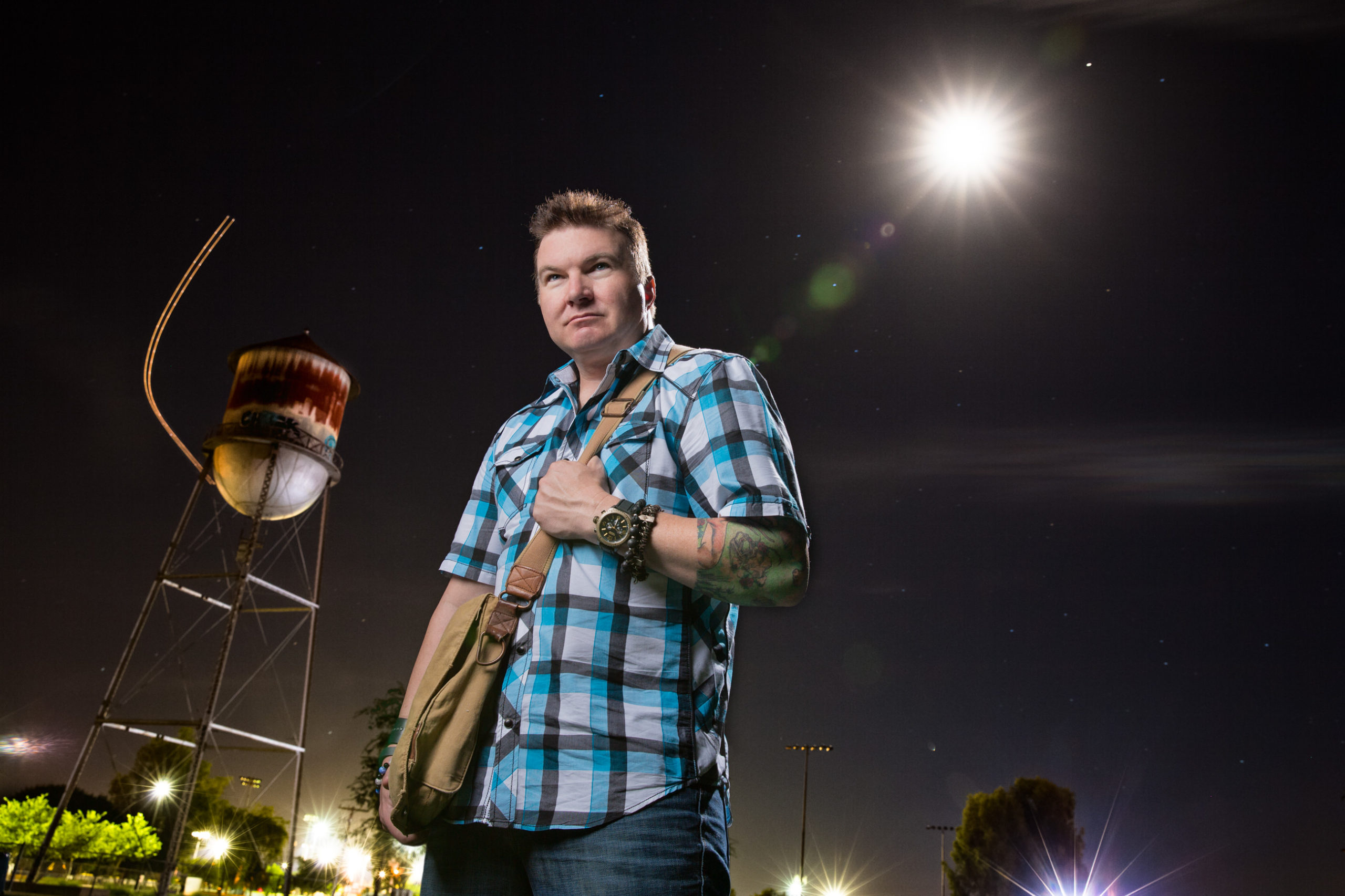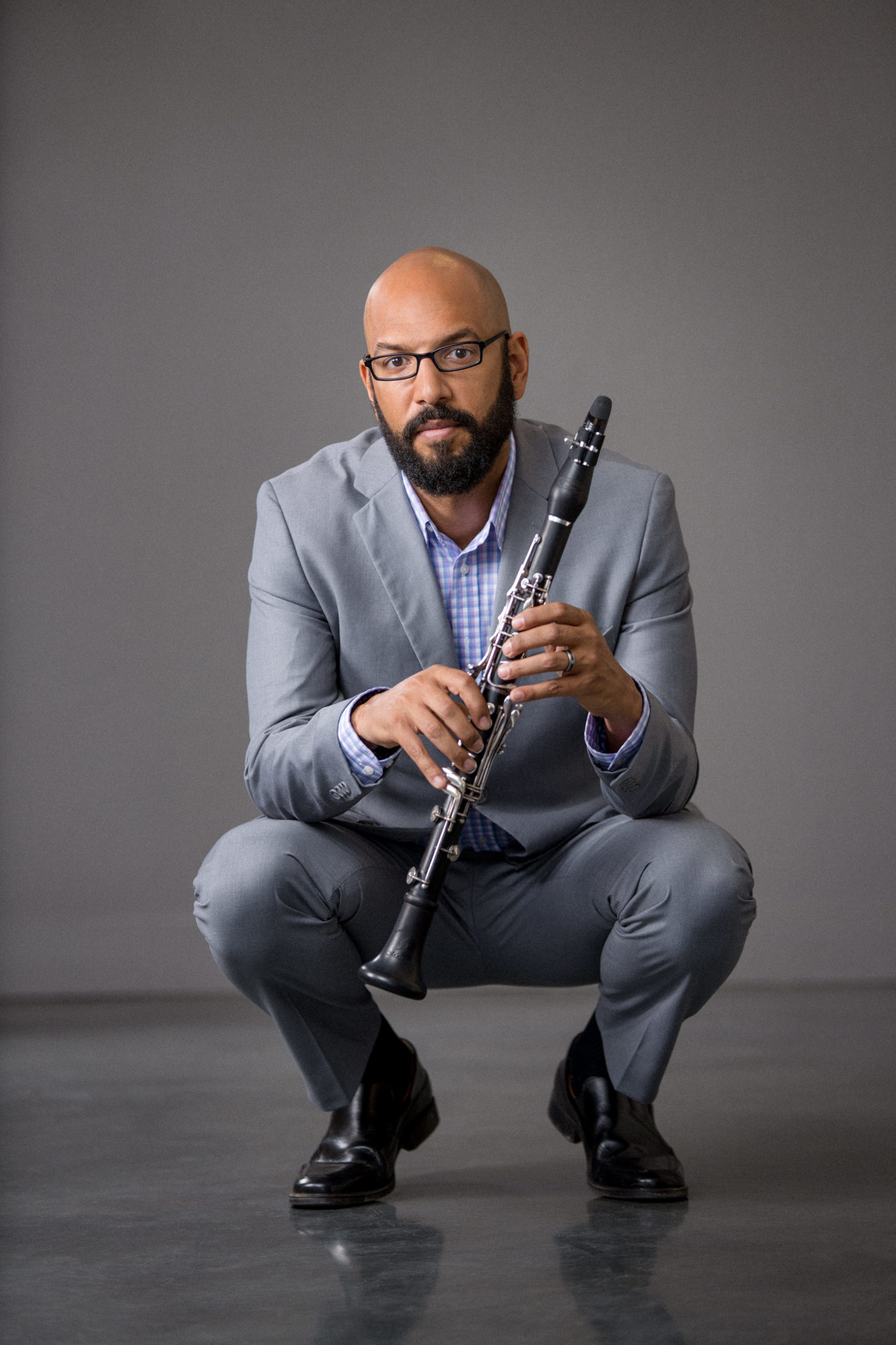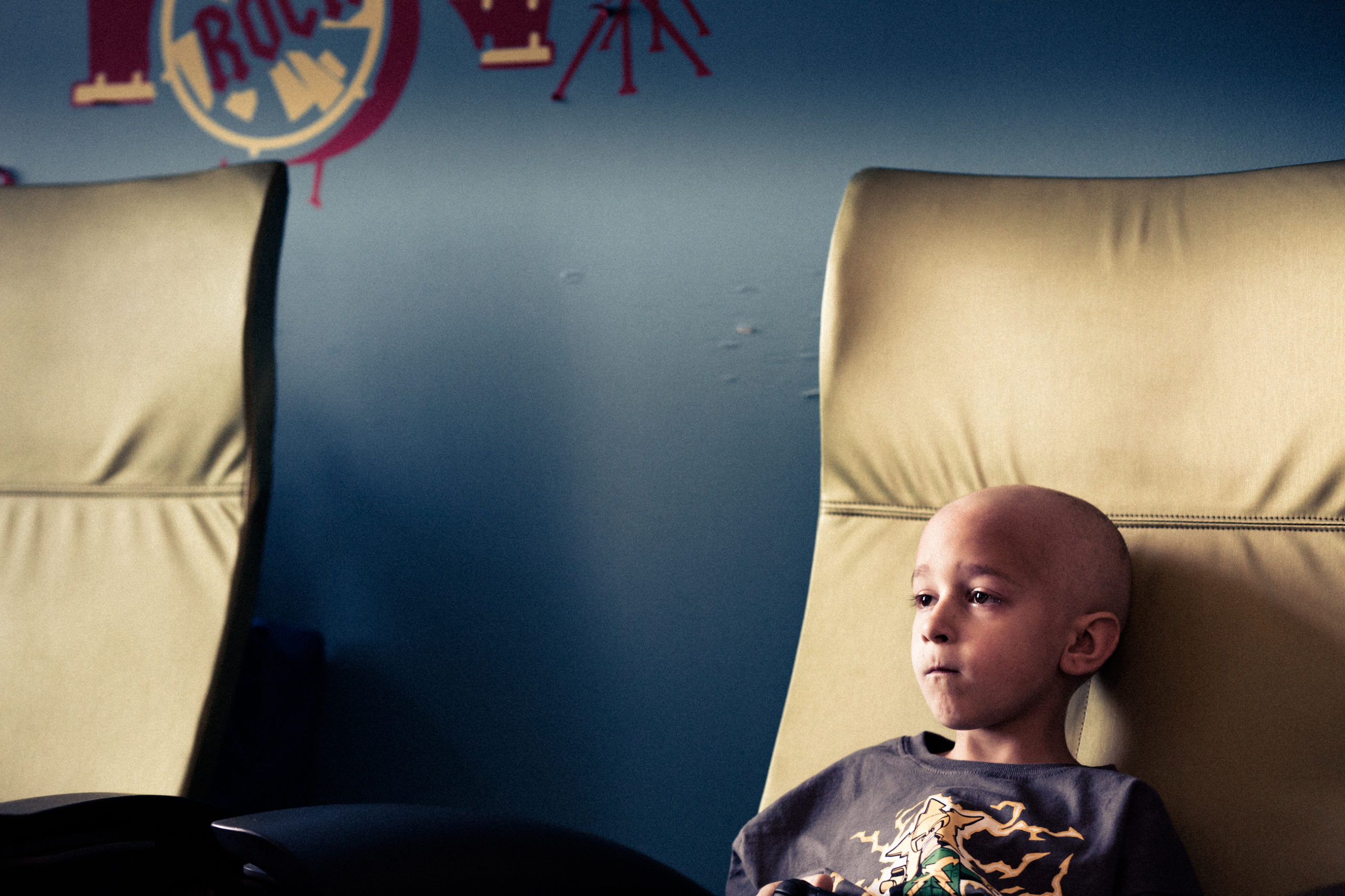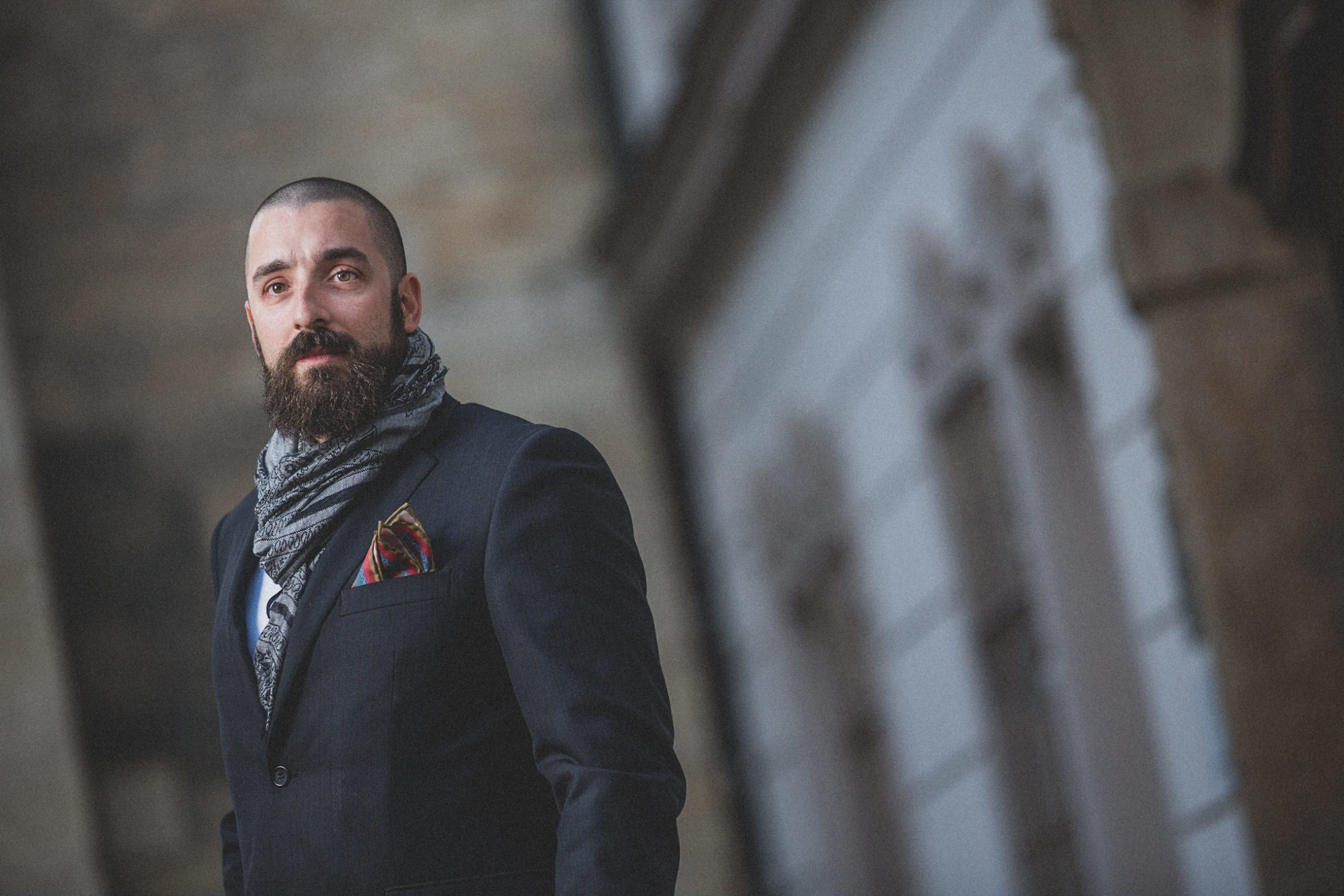
Rain and Gale Force Winds: A great day for a photo shoot.

February 11th, 2010

It was a rainy day with strong winds all day and a bit cold for Phoenix, AZ in January, but we altered our planned photo shoot a little in the concept and went out shooting.  Piano rock star, Kevin Burdick, was the subject.  We decided to take the umbrellas, but when we got to our location, we had a break in the clouds, but not the wind.  So we went with the umbrellas anyway.  Kevin get very tired trying to hold the umbrellas up against the wind, it really was quite strong.

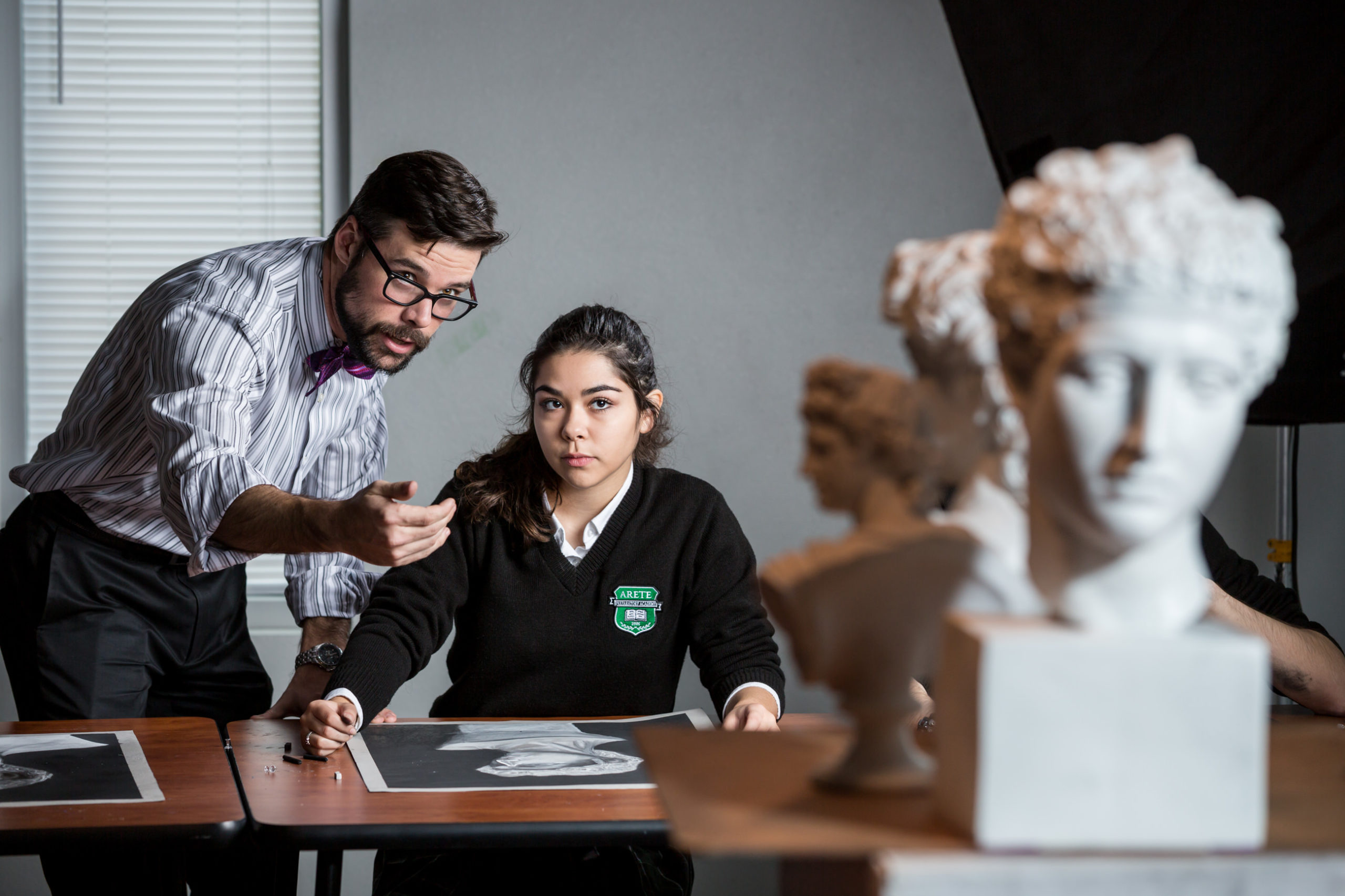
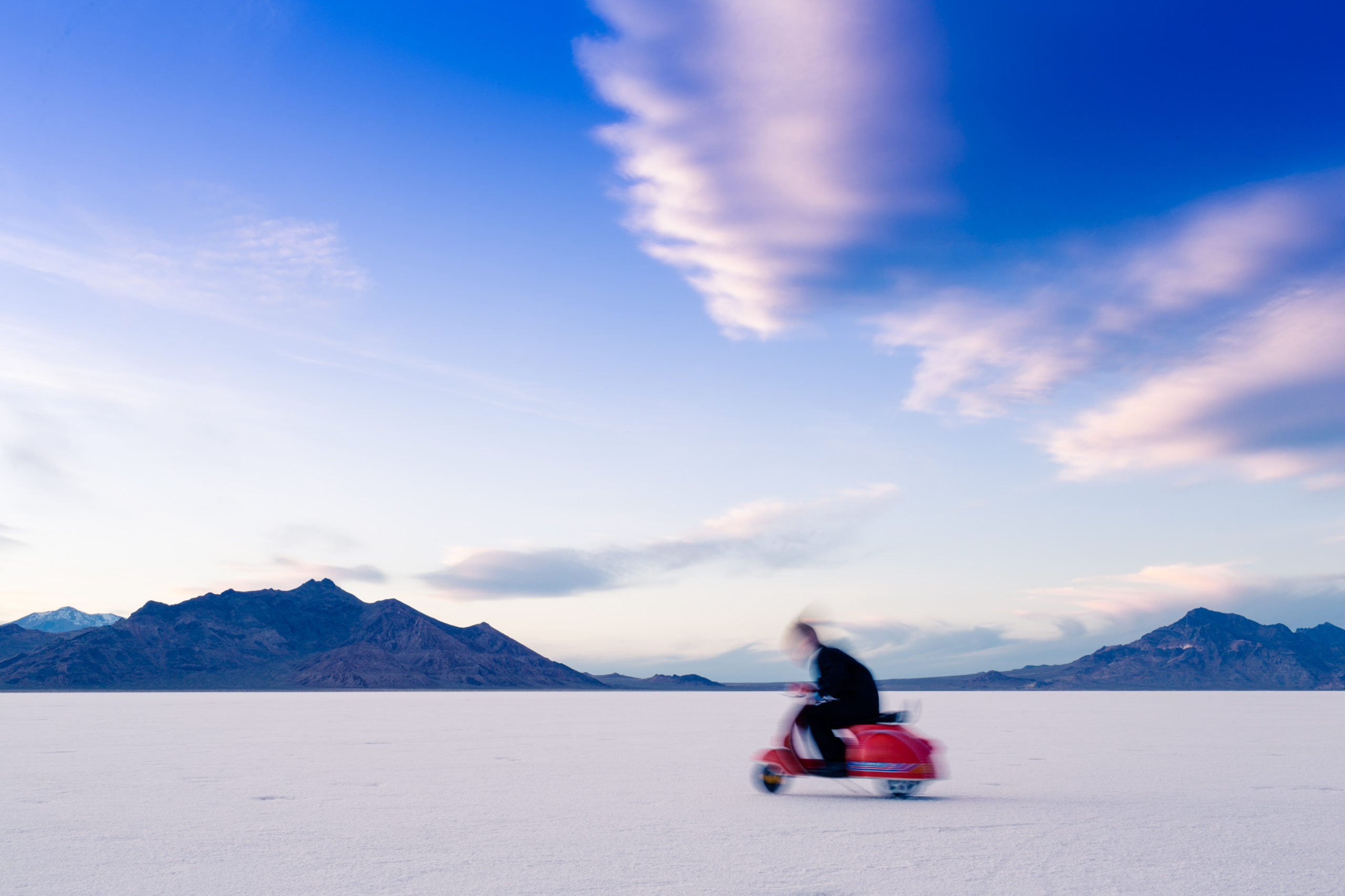
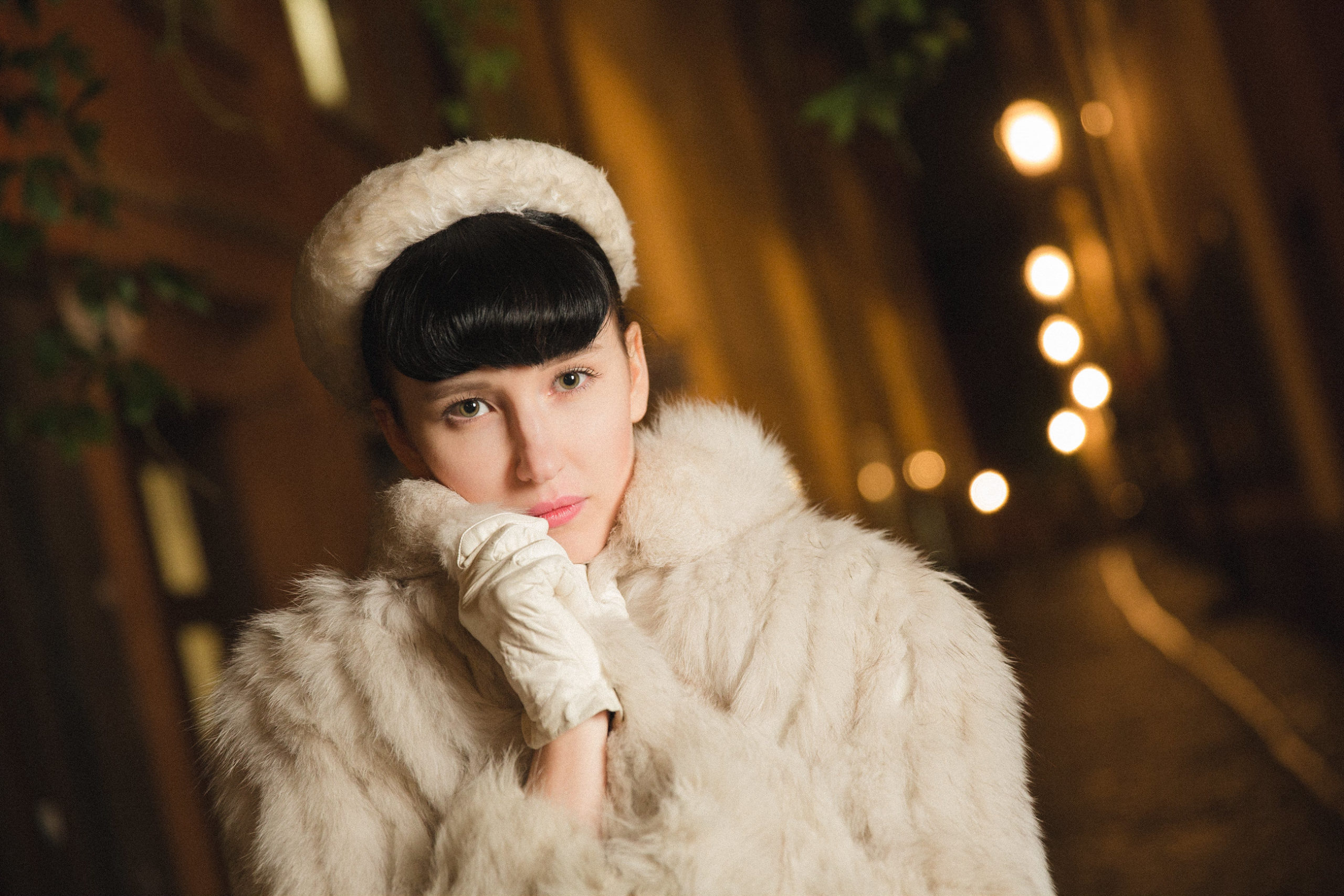
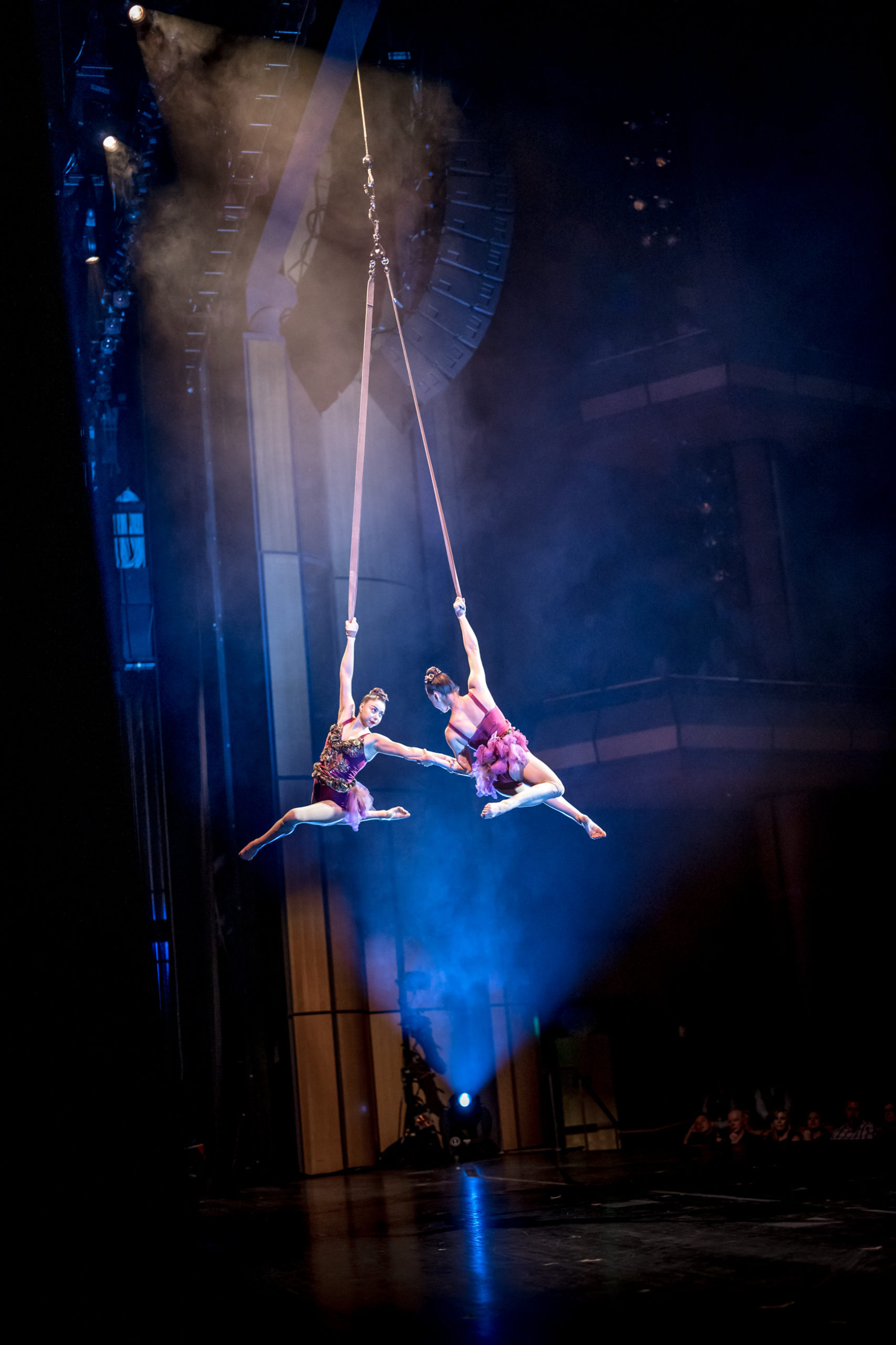
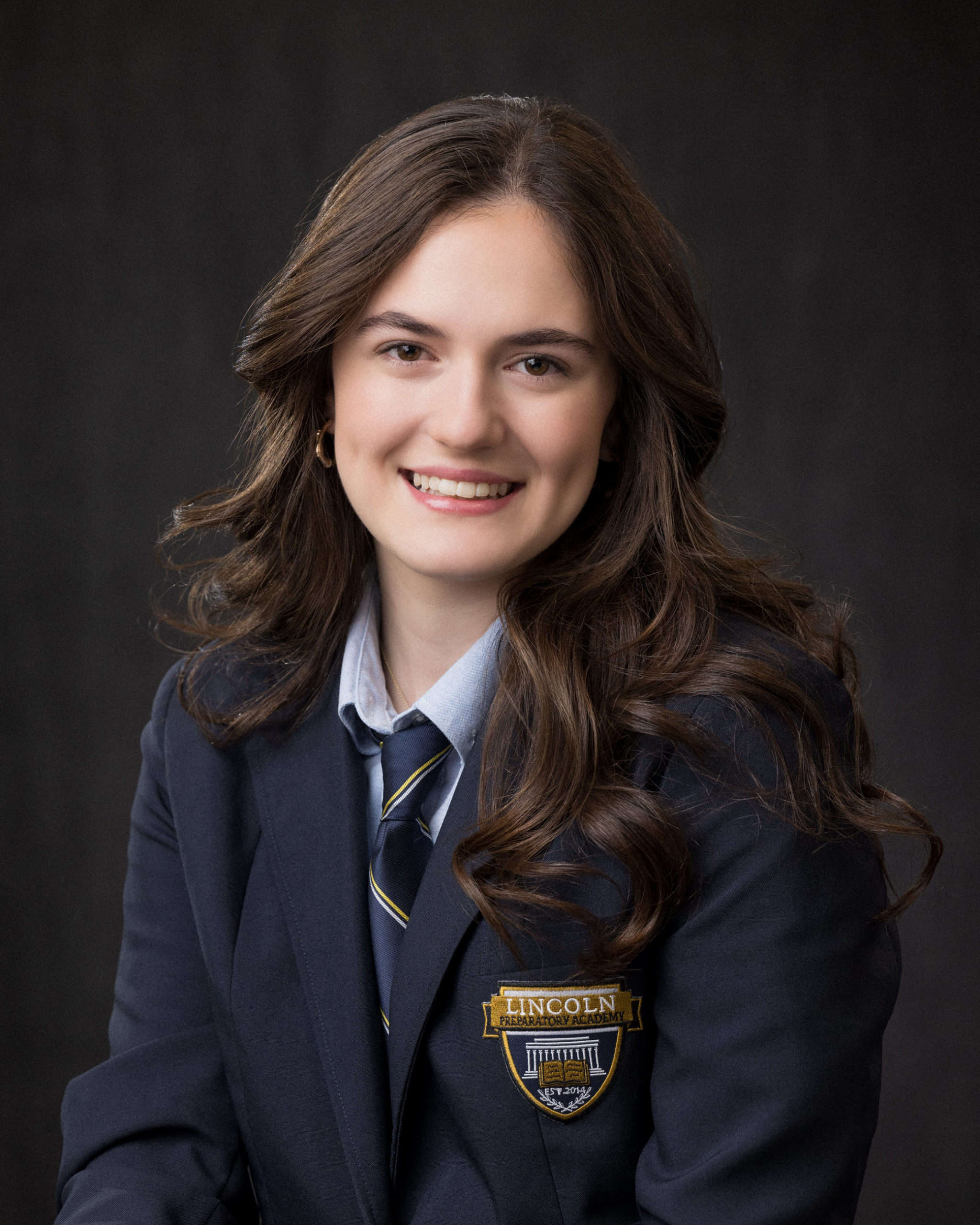
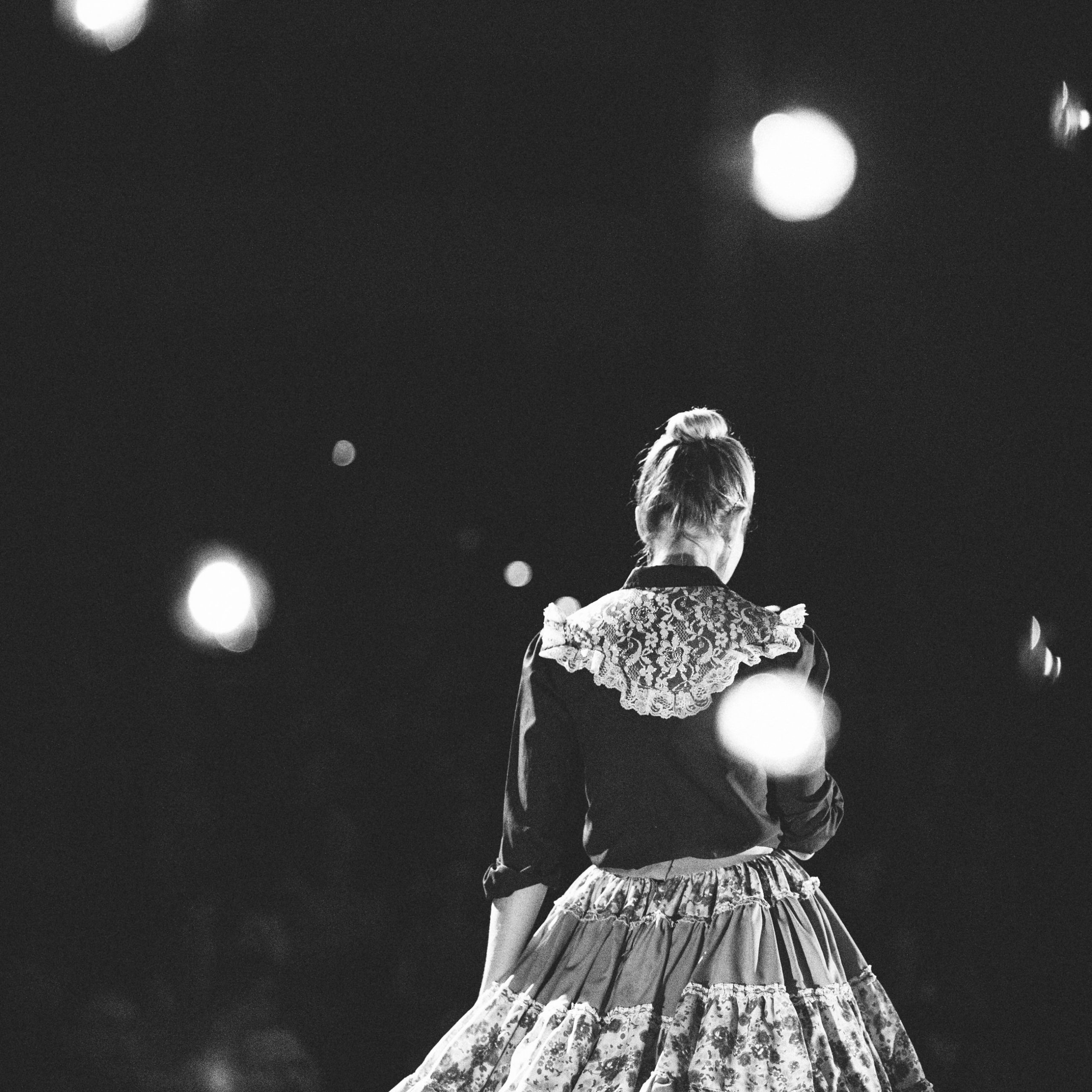
 Portrait of Kevin Burdick by Jared Platt

The photos were shot with the Canon 1D Mark IV.

Now on to some tips and tricks:

First, the sun is off to the right of the photo and slightly behind Kevin.  Which means that if we took the photo without additional lights, he would be too dark.  Remember, we are competing with some bright clouds in the background, so we have to control the ambient exposure to match.  We could use a big reflector, or we could use a flash.  It was just Kevin and myself, no assistant, so we chose a flash unit.  A Canon 580EX II is mounted on a pole about 12 feet off to my right to avoid the on camera flash flattening effect.  Because it is off camera, I had to connect it via wireless slave.  I am using the pocket wizard TT1 and TT5 system.  This allows the camera to communicate with the flash via radio signal, but unlike typical radio slave systems, that only transmit the fire signal, the TT1 / TT5 system allows the camera to communicate metering solutions etc to the flash for TTL auto exposures.  The TT1/TT5 system also allows me to sync my flash at incredibly high shutter speeds via radio slave, and in order to get the ambient exposure right with the correct depth of field, I need to expose the image at f 5.0 at between 1/1600 and 1/2000 of a second.  A typical flash slave system will only allow syncing with a flash at 1/250 of a second.  So the Pocket Wizard TT1 / TT5 system is critical to the success of this photograph.  When I need the light, but also need the shutter speed, I don’t have to compromise.

The flash is set to provide a bust of light which is about one and a half stops lower than the brightness of the sun.  This allows the sun to remain the dominant light source.  You can see that the sun is still creating its signature crest of light on the far right side of Kevin’s face, but it is not blown out.  The near side of his face, though lit well, is still the shadow side.  This combination of lights provides a good contour to his face.  I am getting a studio lit look out on location with three lights.

“Three lights,” you ask, “but you have just mentioned the two?”

Light One:  The sun.  This is the strongest light on the set.  It is the light coming from the side and slightly behind, giving me that crest of light on his face and hands, and acting as a hair light.  It is also providing the nice bright crests on the clouds and the mountains.

Light Two: The Canon Flash.  This is a direct light on Kevin’s face which is filling in the shadow not to match, but fall short of the power of the sun (light one).  This gives us a great vivid exposure on Kevin’s face, without flattening the contours of the face because it is not on camera, but off camera and coming at the subject from the same side of the frame as the sun, so direction of the shadows still make sense.

Light Three: God’s Soft Box, the Northern Sky.  The northern sky (because in North America, the sun is always in the southern sky) is a giant soft reflector of the sun’s light.  That bounced light from the northern sky is filling in all the deep shadows on my subject and on the mountains and the clouds.  Without the reflection of the norther sky, the shadows in the photo would be very dark.  Now, I cannot position God’s soft box on a moment by moment basis, it is in a fixed position, but there are some things I can do.  I can choose the time of day to shoot, so that either the northwest or the northeast sky is my active soft box and I can position my subject such that he faces the northern sky, and I can choose the proper location for shooting the photograph so that my subject can face away from the sun, toward the northern sky.

 Portrait of Kevin Burdick by Jared Platt

I always know where the sun is and is going to be.  My iPhone, though not a good phone, has a great sun position app which tells me the exact position of the sun at any hour of any day well into the future.  So, when I scout a location, I know where the sun will be a 3 PM on Jan 12, 2030 and can plan my photo shoot accordingly.  I need to know this, because I want to get the best shot with the least amount of equipment possible.

 Portrait of Kevin Burdick by Jared Platt

The green toned photo above is what happens when the sun changes brightness on you in the middle of the shoot.  The original shot is a bit off in exposure, but with some fancy photoshop work using two different develops of the same RAW file, I was able to pull of a very cool shot and and control exactly how dark I wanted the background and the subject.  I love the drama of the image.

Note: Although the rest of these photographs have undergone a major amount of burning and dodging they have not been “retouched much at all.  I am not all that interested in major retouching, but burning and dodging, which I did very skillfully in the darkroom, is still a very key part of the beauty of my images.  Although now, I have such precise control offer my burns that almost anything is possible.  I often will slim down a subject or remove a belly with only burning and dodging.  I will post my article on Burning and Dodging here on the blog in the near future.  It ran in Professional Photographer Magazine in January 2010.  If you have a copy, take a look.

_______

This next set of photos, we moved the position of the light from my right side to my left.  Some people on my facebook posts have said it looks almost like he is being photographed against a backdrop, because he is popping out of the photo so much.  This is what happens when you move your second light to a less natural position.  Instead of the light coming from the same side as the sun’s light, it is coming from the other side, which subtly sets Kevin at odds with the shadows in the background.  Ergo, he jumps out of the photo because he is no longer blending in to the light.  Your mind sees him as different than the photo, even if your consciousness can not figure out why.  Study the photo carefully and see the shadows on Kevin, then the shadows on the mountains and clouds.

 Portrait of Kevin Burdick by Jared Platt

Anytime you want something to pop out of your photo, you have to make it different than everything else in the photo.  Most of the time, people use a bight color to do this.  More subtle is using a different texture of perhaps a different pattern, etc.  Notice, he is also wearing a tomato shirt.  That helps him stand out in every photo.  But the lighting is the real key to creating that extreme difference that is still subtle enough to make one question their perception.

 Portrait of Kevin Burdick by Jared Platt

Now for the rest of the photo shoot.  When he is far away from the camera we obviously can’t light him with a flash, so a little dodging in the post production fixes the shadow of the face.  Fortunately, distant shots like these don’t require as much lighting, because they are more about composition.  Besides, we still have our two lights working for us: light one and three.

 Portrait of Kevin Burdick by Jared Platt

 Portrait of Kevin Burdick by Jared Platt

 Portrait of Kevin Burdick by Jared Platt

 Portrait of Kevin Burdick by Jared Platt

 Portrait of Kevin Burdick by Jared Platt

 Portrait of Kevin Burdick by Jared Platt

Before we went out for our location shoot, we also did a few shots in the studio.  Kevin is great for expression.  I posted a set of these expressions in a previous post, but here are a few larger shots I loved from the session.

 Portrait of Kevin Burdick by Jared Platt

You may be wondering what I did to the photos here.  What photoshop action did I use?  The coloring effect is done completely in Adobe Lightroom with the click of a button.  It is one of many presets I have created for toning my images.  This one reminds me of an old 1970s photograph of my mom and dad in horn rimed glasses and a few of the kids  up in the mountains.  The color is faded and the paper is yellowed and some of the silvers are oxidizing.  It is a nice effect, but who wants to wait 30 years for that.  Anyway, most people make these color presets with the color balance changes, but that sometimes messes up the photo itself.  Making presets correctly is important.  I am finishing up a second set of presets, which will be available for purchase by WPPI 2010 in Las Vegas (where I will be teaching a master class on Lightroom and if you are coming, I will teach you how to make this preset).   The first set of presets is called the Essential Lightroom Preset Collection, which is a set of work-flow centered presets to get you through the editing process quickly.  This new set is called the Top Secret Collection, which is a set of effect presets to compliment the Essential Collection.  This effect in particular is mostly based in the split toning panel of the develop section in Lightroom.  There are some other settings in Saturation, Vibrance and Clarity etc that help to make it look just right, but the bulk of the effect is there in the split toning.

By the way, if you are going to be at WPPI and want to take my master class, but can’t get in because it is full, email registration@wppionline.com and ask to be placed on the waiting list.  If there are enough people on the waiting list, they will open another class.  And more importantly, they will book me in a platform class next year, which they should have done this year.  So if you are going to WPPI, email and ask to be placed on the waiting list.

 Portrait of Kevin Burdick by Jared Platt

And finally, a nice black and white at 1600 ISO.  This Canon 1D Mark IV is incredible in the higher ISOs.  I can’t say enough good things about that ISO.  I turned off the flash slaves and simply used the modeling lights, raised the ISO with impunity and shot.  With this camera, I will never fear the ISO.  Never.

 Portrait of Kevin Burdick by Jared Platt

Guess that ISO – a lesson in film and digital grain structure

February 3rd, 2010

(First Published on the Pictage Blog, Thursday, Feb 11, 2010.)

So I have a little game I first played with Elizabeth Pratt from Canon. The game is called “Guess that ISO”. We are going to play it here today.  for those of you who are not professional photographers, ISO is the sensitivity rating of the film or chip in the camera.  Lower ISOs are best in bright lighting conditions and higher ISOs allow for proper exposure in low light situations.

Here is the image we are going to work with. It was shot with a Canon 1D Mark IV. This is the final image with various adjustments and increased noise reduction etc. I just wanted you to get a feel for the image we are working with.

 Child-Portrait-Feet-1

The Fine Print:

The zoomed in detail images below have only one adjustment applied. I have to be upfront here, I am not going to show you the original image with no noise reduction because that is not practical, no image is used without a default noise reduction. So, what I am showing you below is the image with absolute “normal” noise reduction in Adobe Lightroom. I have the NR set at 25, witch is the default for Lightroom for basically every camera on the market.

With the fine print out of the way, let’s play.

GUESS THAT ISO…

Look at the grain structure and noise levels and tell me what ISO did I use?

 low-noise-markiv

Now for a little lesson on color noise and grain.

In the beginning, was film. Film is made up of millions and millions of floating silver halides (little flex of “want-to-be silvers). These silver halides float in a gelatin emulsion (like jello but harder – made mostly of cow hooves etc…). So, no film image is ever a continuous tone. Even the best film image has a grain structure to it. The image is made up of tiny little randomized dots that, when seen from a distance create the illusion of an image. George Seurat made paintings in this manner, which is known as pointillism. His paintings were constructed from random specks of paint placed in proximity to each other. Colors were mixed, not by blending pigment, rather, several dots of yellow and blue were mixed by the eye to create the illusion of green. As the dots got closer together, the tones became more dense and vice versa as they grew further apart. The further back you stand from a Seurat painting the better and more continuous the tones and colors in the painting appear. If you have ever seen a color newspaper or magazine up close, you have seen a very large and pattern based version of pointillism. Photographic grain (color and black and white) exhibits with the same principles.

Film’s inherent grain structure was a necessary part of the photographic image making from the the 19th through the 20th centuries. We accepted it and grew to love it, because it was the only option available. Slower films, which required brighter light, had less grain and more continuous tones; faster films, which could be shot in lower light situations had more grain and created a more pointillistic effect. We came to see grain as part of the art form. Larger, more prominent grain structures felt gritty and press like. They insinuated “documentary” and “reality”, while tighter, smother grain structures presented a cleaner, cleaner view of the world, so we saw them as more controlled. Landscape photographers and commercial photographers shot this way, so naturally the images were typically more perfect and therefore a little less believable than the gritty “documentary” style images with all that grain.

Originally, photographic emulsions were mixed in only one variety: the grainy, gritty kind. But, with the advancement of the science and the introduction of finer grain structures and faster emulsions, photographers began choosing film speeds, not just to deal with different lighting conditions, but also to create a different mood or feeling in their images. Selecting a 1600 ISO press film for a commercial fashion shoot was a choice specifically made by the photographer to suggest reality, documentary or art! Films were chosen based on their color bias and for their grain structures. Some photographers loved large grain, others loved fine grain. But grain was always a part of the photographic life and we all accepted its existence and learned to manipulate it to our advantage.

With the advent of digital photography as a viable photographic medium, photographers no longer had to accept grain. Unlike film, digital captures are made up of a grid of pixels, and those pixels are so close together that from one point of color or tone to the next there are no gaps. This means it is a truly continuous tone. Digital presented us with a grain-less option that was so clean and so flawless that the visual language began to change. Photographers expected more out or their image making tools and started seeing grain as a flaw in the image as opposed to a beautiful part of it and, to some degree, some clients have rejected that gain as well. Seurat would be agog at our negative reaction to grain in a continuous tone digital age. He went through great pains to create paintings completely out of this grain-like effect and here we come in 1010 thinking that grain is an eye sore? Strange indeed.
While it is great to know that I have the option for grain-less images, the fact still exists, that grain has a purpose in image making and when used well, enhances the photograph. But, one thing digital has not done well, in the past, is grain.

Our love affair with the cleanliness of the digital capture, only lasted in the lower ISOs of the camera. Digital cameras had a problem of color and luminance noise in the higher ISOs. I remember shooting with a Nikon D1x and then a Canon 10D. Both cameras were absolutely worthless at 800 ISO. Even if you could stand the blocky and offensive grain structure, the color noise was so atrocious, you could only keep the file if you were willing to turn it to black and white. Even just 3 years ago, when comparing film to digital, one would have to admit that while the digital capture did a better job at creating a continuous tone in the lower ISOs, films were far superior to digital in the higher ISOs with its beautiful grain structures. If a digital photographer wanted beautiful grain, he would have to shoot his image in a lower ISO and then digitally manipulate the image and render the gain into the image. This is no longer the case…

Recently, camera technology and image software technology together have reduced the color noise and randomized the grain structure in the higher ISOs to the point that a side by side film and digital grain comparison at 800, 1600, 3200 ISO will leave film in the dust for continuous tone and fine grain structure. Our little guess the ISO game proves this point. In a dimly lit room, the Canon 1D Mark IV can record details, brighter than the eye can see them, at a 100th of a second and yet the grain structure is tight and beautiful. It seems that with each new generation of cameras, film looses another unique feature. Beautiful grain in the higher ISOs is the just the latest.

I have never bought into the notion that grain is a negative thing. When I shot film, I loved the grain of 400 TMAX. I loved shooting with Fuji 1600 or Ilford 3200. Now, digital has matched the beauty of those grain structures without any heroic manipulations in photoshop. Say it with me again and again, “grain is beautiful!” And now, in digital we have every option before us: heavy grain, light grain or absolutely no grain. And we don’t even have to change film!

Thanks Canon!

And the ISO is…

So now, are you ready to know the ISO? 12,800 ISO. I am still astounded. The Mark IV, together with Adobe Lightroom’s standard noise reduction creates a beautiful, tight grain structure with no offending color noise whatsoever. You can not beat that. It this point, every ISO from 50-12,800 is usable in digital without a second thought.

 low-noise-12800iso-markiv

PS. Don’t get on me about Nikon v Canon, or Film v Digital. I’m not judging you if you shoot Nikon or Film. I used to shoot Nikon film cameras. To date, my favorite body I have ever shot with is a the Nikon F5. Film still has its place and still beats the pants off digital when there is no electrical outlets to charge your camera or when it comes to latitude of capture. I’m just talking about where we’ve been and how far we’ve come with respect to grain in photography. Think about it. We’ve come a long way.

Jared Platt

Platt Photography

This article was first published on the Pictage Blog on .

Portrait Session with Kevin Burdick

January 28th, 2010

It is always a blast shooting Kevin Burdick (www.pianorockstar.com).  He’s wildly expressive, has no inhibitions and is just an all around great guy.  And I’m not just saying that.  We’ve been friends since high school, made music together then and even some very screwy home movies and music videos.  One of them included a scene that almost resulted in Kevin’s death, but instead, thanks to Kevin’s strong neck muscles, and our quick response, we ended up only with a massive rope burn around his neck.  Come to think of it, I think we continued filming for a while before we realized he was in trouble.  Flailing legs and a red face can either mean great acting, or eminent death…

I’m glad he’s still with us.  He has made some great music since then and he’s always been a great friend.

So, this is a fun little set of images to wet your whistle.  We first shot a few studio shots and Kevin went to town with the facial expressions.  The best way to see them is in connection with each other.  Tomorrow I am posting the fantastic images we got from the on-location portrait session, which include Kevin, various umbrellas, lots of wind and a vast empty landscape.  Until then, enjoy this funny little set of photos and go listen to some of Kevin’s music at www.pianorockstar.com.

 kevin-burdick-platt-photography-photobooth

Sold Out! …not quite yet…

January 28th, 2010

My workshop on the 13th of February in Phoenix sold out in three days.  That’s great for me, but there are a lot of people who still want to come, so I have opened up 5 more seats.  I think that is all we can fit.  If I still get more inquiries about it, then we’ll have to mover the venue to somewhere much larger.  So sign up, if you are interested and it you get to the store and can’t find the workshop, then that means it sold out.  Send me an email and let me know you are still interested and we’ll look into changing the location.

Thanks to everyone who has already signed up.  I am looking forward to this one.  Because it is being filmed, I have to be on my best behavior…

Sign up for the workshop here.

Portraits of Golf’s Long Ball Champ Sean Fister

January 15th, 2010

I shot portraits of Golf’s Long Ball Champion, Sean Fister on the ASU Kasten Golf Course.  He hits a very long ball.  He uses a drive he designed called the Punisher and hits Dixon Golf Balls, which are the world’s first recyclable golf ball and a really long ball.  If you have been keeping up with my posts, you have already seen the video of my golf lesson with him.  Here are a couple shots from our photo session.

Sean can throw the ball up in the air and hit it like a baseball right out of the air.  It is absolutely amazing.  He has a lot of control over that club and apparently a healthy dose of hand eye coordination.
 00097

Did I mention we shot these in the winter.  I love Arizona!

 00051

My Golf Lesson with a Golf Pro

January 14th, 2010

Just thought you might want to get brushed up on your golf game.

While I was shooting a portrait of Long Ball World Champion Sean Fister, he offered to give me a little golf lesson, which the film crew got on camera, and now it is in the Dixon Golf You-Tube Promo.  Sean Fister is a funny guy.  I had a lot of fun shooting the portraits.  Now I just want one of his Punishers (his driver) .  I hit it, it is a very nice club!  My drive was long!

Dixon Golf makes the Earth Ball.  It is a long hitting ball that also happens to be the worlds first and only completely recyclable golf ball.  Oh, and did I mention that it is a LONG ball?  It’s a long ball.  Put that Punisher together with the Earth Ball and you’ve got a long drive.  (Yes, I golf).

My golf lesson is at 2:20.  Let me know what you think of my form.

Article on Burning and Dodging in Professional Photographer Magazine

January 14th, 2010

I just received my copy of Professional Photographer Magazine where I wrote an article on burning and dodging in Photoshop.  It is a great article with a great photograph.  The reason the photograph is so perfect for the article is that it didn’t need a lot of retouching or manipulation, but still opening it in Photoshop was worthwhile.  There are so many subtle shadows and tones that can be enhanced by the process of burning and dodging, a photograph is just better once it has been burned and dodged.  My philosophy is very simple: I do not burn and dodge to change the photograph, but rather to enhance the natural shades and highlights that are already there.  You can see the final enhanced photograph below and on my portfolio web site at PlattPhotography.com.

Look for the magazine on the racks now.  If you don’t know how to burn and dodge your images in Photoshop, or if you are currently burning the actual image layer, you need to read the article.  If you are not a photographer and don’t know what I am talking about, it might get a little technical, so let’s just say, Jared wrote a cool how-to-article in Professional Photographer Magazine and his photographs are really great!

 Jared Platt - Photography article in professional photographer m

The photograph I chose to use for the article was one of my favorite images I shot on a wedding in Rome, Italy.  We woke up very early in the morning to get out before all the tourists.  This was the first image of the day, the Spanish Steps.  The Spanish Steps are so crowded with tourists and locals during the day that there is no way to take a great photo.  So we hit the them just as the sun was rising, as the vendors were preparing for the day, and the carriage operators were preparing their horses.  I couldn’t have asked for a better situation to take a beautiful photograph.  And let’s face it, who wouldn’t want a wedding portrait on the Spanish Steps in Rome, Italy?

When looking at this photograph, pay close attention to the incredible detail on the walls and the shutters.  All of these details, the stains and the cracks exist on the buildings naturally, but it was the process of burning and dodging that brought them out and made them so vivid.  This is the kind of detailed attention that every one of my “Art Prints” receives as I prepare them for my clients.  I personal work on every “Art Print” myself and each one is printed under my careful supervision.

 rome-italy-wedding-photography

Say a prayer for those in Haiti

January 13th, 2010

I look out at the heavy thunderstorm here in Phoenix tonight and say a prayer of thanks that I have a warm home and complete safety from the storm.  While there are hundreds of thousands without any shelter or dead in Haiti from the earthquake there.

We are blessed here in the US with such prosperity and ease.  Even in a bad economy, we live comfortably and without much fear.  My biggest fear tonight is that the storm will create a power surge and damage the computer.

So, everyone say a prayer for and do what you can to provide something for those who now have absolutely nothing in Haiti.

By the way, earthquakes are another reason I love Arizona.  We don’t have them.

Fine Grain, No Color Noise, Almost Perfect Auto Exposure… Mark IV

January 10th, 2010

Think snap shot.  Think completely auto exposure.  Not 3200 ISO, not 6400 ISO, but 12,800 ISO.  Here’s what I would expect:

First, this shot is a problematic one for an auto exposure.  It is 100% back lit and as a result, most cameras are fooled into believing that the brighter light is the primary exposure, so the face (the only truly important element in this photo) would be underexposed.  But without any forethought or exposure compensation, the Canon Mark IV nailed the exposure.  The face was exposed perfectly and the highlight on the side of the face didn’t even blow out, and this was a JPG, not a RAW.  I would anticipate even more latitude from a RAW shot.  My first auto exposure expereince with the camera was a very good one.  The camera made all the right decisions and maintained information in every important highlight and every important shadow.  We’ll see how it performs over time, but this was a problematic situation and it got it right.

Furthermore, I would like to point out that at ISO 12800, I was able to shoot an indoor photo with a small 40 watt lamp as a back light with no other lighting and get a nice little snap shot.  1/80 sec shutter speed (fast enough for a 50mm lens) and f2.5.  Any other camera in my bag can’t get that done at those settings.
 Canon-mark-IV-12800ISO

Second, at an extreamly high ISO, bulky grain structures that would soften the photograph and disrupt the thin lines of an eye-lash or other fine details.  Thus making a sharp focus look soft.  But the Canon Mark IV has a pretty fine grain structure at 12,800 ISO.  Notice in the detail below, the eyelashes are indeed sharp and do not look fuzzy like they might on a 5D Mark II at 6400 ISO.  This is due to what appears to be a much finer grain structure, which describes these fine details far more accurately.

 canon-mark-iv-12800ISO-detail

I would also expect major color noise.  In fact, my 5D Mark II at 6400 ISO is always turned to balck and white.  They look nice, but color is problematic.  In fact, as you can see, I initially turned the photo to black and white to avoid color noise.  But again, I was pleasantly surprised at the lack of color noise.  You will recall yesterday’s post, I was impressed with the color noise of the lower ISO settings.  Now I am really impressed.  Using the default color noise suppression settings in Lightroom of 25,  I got absolutely no color noise at 12800 ISO.  This means that I can use this camera at every ISO setting in color or black and white.

 canon-mark-iv-12800ISO-color-detail

I have to admit, I am thrilled so far with the camera.  The lack of color noise and the fine grain structure at even the very highest ISO settings is just short of miraculous.  I’ll be tracking a bunch of moving children with auto focus tomorrow.  We’ll see how it reacts to that rigorous test.  For that matter, we’ll see how I react to that rigorous test…

Merry Christmas Charlie Brown – Canon Mark IV

January 8th, 2010

I looked around my home tonight and still can’t bring myself to take down the Christmas decor.  It will stay up for at least another week.  So I thought I would record my favorite decorations and Christmas elements before we pack them up for the year.  This Charlie Brown Christmas Tree is a recent addition, but one of my very favorites.  I shot it tonight in available light, with just the general can lights on.  As you can see in the info detail later in this post, it is shot a very comfortable 1/250 of a second because I have my 50mm 1.2 and an ISO of 3200.  On my 5D mark II, this ISO is a bit noisy, but just fine in Black and White and on my Mark III was completely impossible.  But the Mark IV does a create job with the grain structure and the color noise is non-existent.  Now, keep in mind, I am using this practically, I am not trying to be a scientist here, but rather a practical user.  I am shooting RAW and using Lightroom to produce the final jpg you are seeing.  I have added a vignette and adjusted the color to suite my taste and I have used the noise reduction in Lightroom, but nothing heroic has been done to the image.  Basic Lightroom noise reduction has produced a file that I would be completely happy showing my clients.  The grain looks good and the color noise is great for such a high ISO.  Tomorrow, I will pump up the ISO even more and see how it fairs at 6400 and 12800 ISO.

 canon-mark-IV-photo-1

In the detail crop you can see all of the basic setting for this Mark IV exposure and see the grain structure and look into the monochromatic background, that is where you should see the color noise, but without heroic noise reduction plug-ins (just normal Adobe Lightroom – Camera RAW color noise reduction) the file is fantastic for such a high ISO.  And I am so thrilled with Canon’s grain structure, both here on the Mark IV and on the 5D mark II.  Both feel so much like film, that I almost prefer shooting at a higher ISO to give my images a bit more depth and texture to them.  We’ve become so sterilized with digital that we almost can’t imagine a world without smooth continuous tones.  That’s why film shooters always “feel” so different.  They have grain, even in the lower ISOs.
Grain is beautiful!  Say it again and again!  Never grow tired of that mantra.

 canon-mark-IV-detail-1